
Keeping up with your scheduled activities is easy with the planner you received when you registered for Online Homeschool Activities!
I learned while I was gathering activities from all over the internet how difficult it was to keep them organized.
That?s why I found a simple, interactive calendar you can use along with your homeschool lesson planner.
To get the most out of this online calendar, here are a few easy tips.
Once you download the calendar, open the file and click ?Enable Editing?.
Now you can customize the days to fit your schedule.
Take a look at your homeschool plan for the next couple of weeks to a month.
What topics are your focus in each subject?
Then head to your member?s area and search under the grade level and subject area for a hands-on activity that will help your children fully grasp the concepts they?ll be studying.
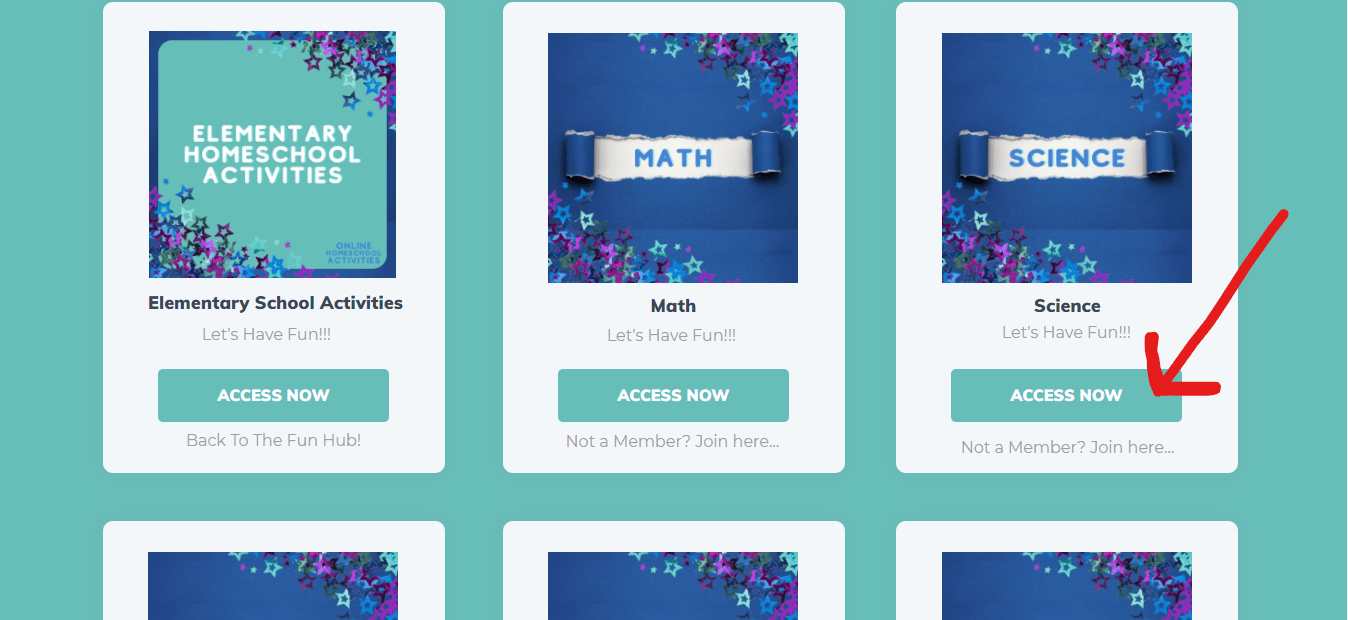
When you begin looking around my ever-growing library of hands-on learning, you?ll see activities you?ll definitely want to try in your homeschool.
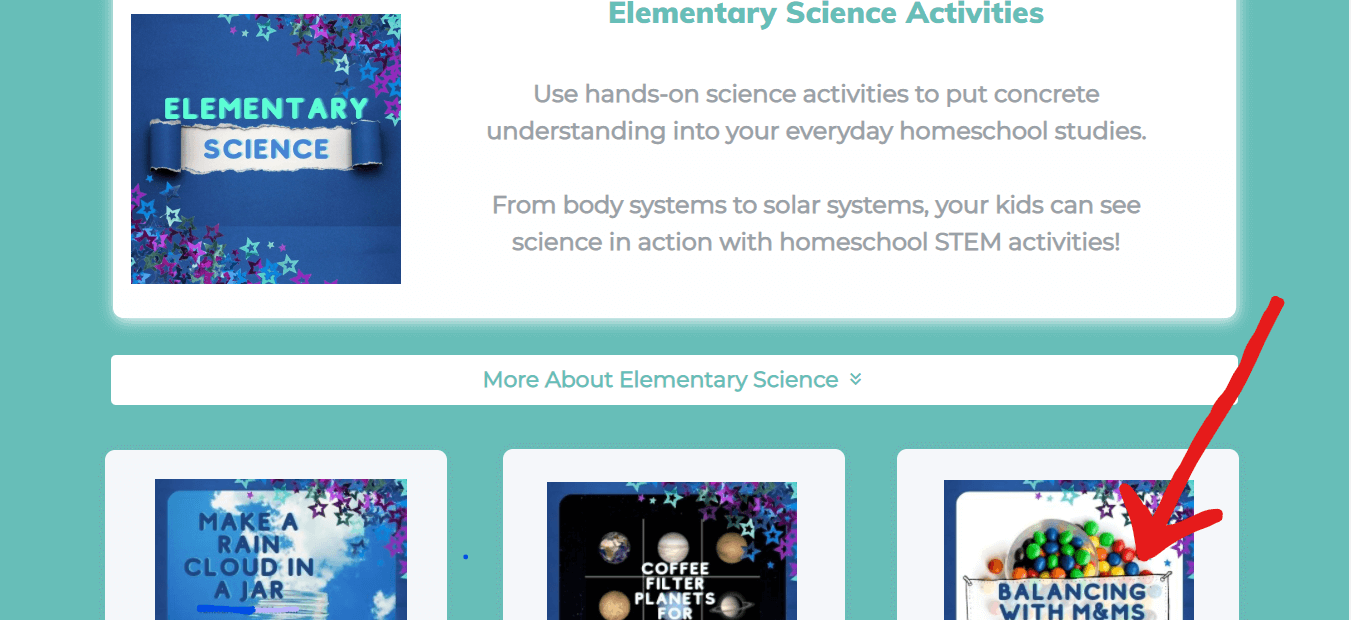
(I don't know about you, but balancing with M&Ms seems like the perfect activity...)
Simply click on the image to access the activity.
Then copy the URL from that web page.
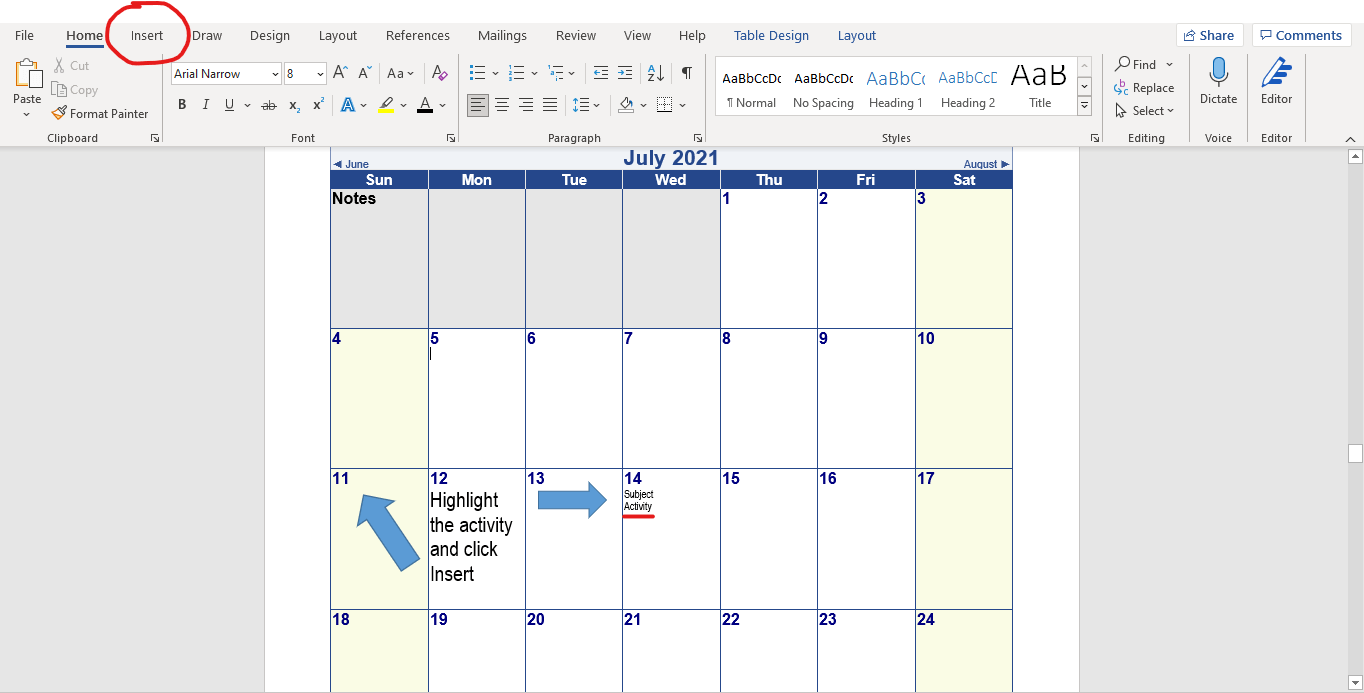
Type on your calendar day a word or phrase to describe the activity. Highlight the word or phrase and click "Insert".
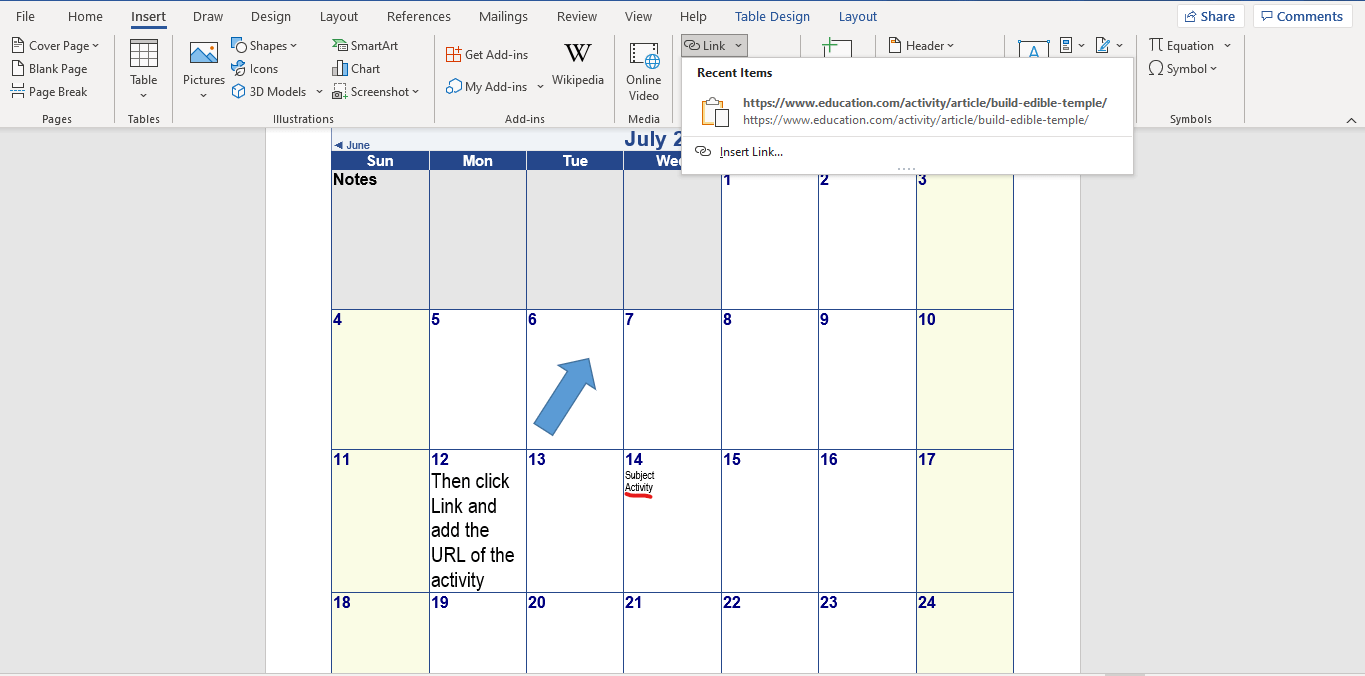
Insert the URL you copied onto the word.
Save your calendar.
It?s that easy!
Now you have an interactive schedule so all you have to do is click the link on the day of your activity to open that web page, and you?re all set.
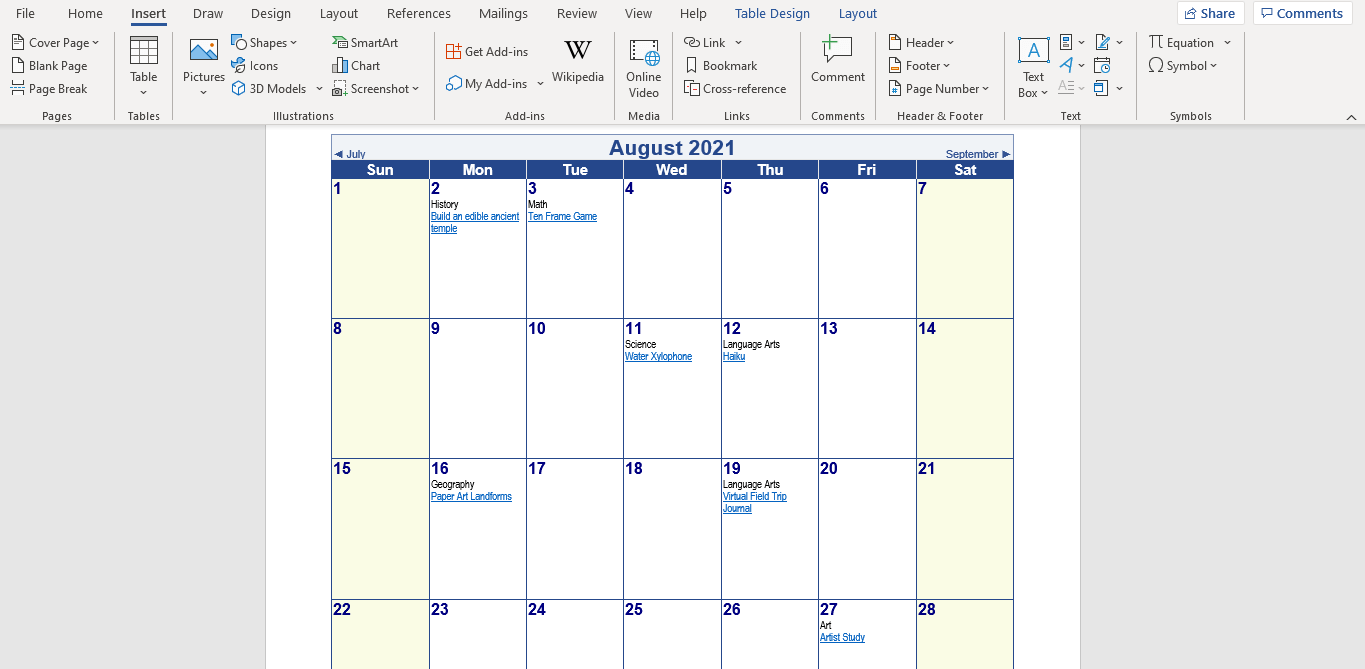
There?s even a Notes section on the calendar so you can enter any ingredients or materials you may need to purchase or find.
You can print out the calendar pages or keep them on your computer for easy editing.
The best part?
The calendar can be changed in a snap.
After you find the materials, delete your shopping list so you have a fresh spot for the next list.
Need to change up activities? Delete and add in something different. Or move the activity to another day with copy/paste.
After you and your kids enjoy an activity, you can delete the URL or change the color so you know which you?ve done and which are coming up.
This way, you?ll have a journal of all the fun hands-on learning you?ve enjoyed in your homeschool and your own mini-library of fun.
You can even add your own personal star rating. If your kids loved an activity, give it 5 stars and maybe do it again!